
Register a Guest into the 501F -2106 Downtown system - Lynx
Check ins have to be included in the daily tasks. When an user is registered it takes up to 1 hour for the system to show the guest to the building. The front desk gives temporary access to the elevator, then in the unit the guest will find the Fob to use the elevator by themselves.
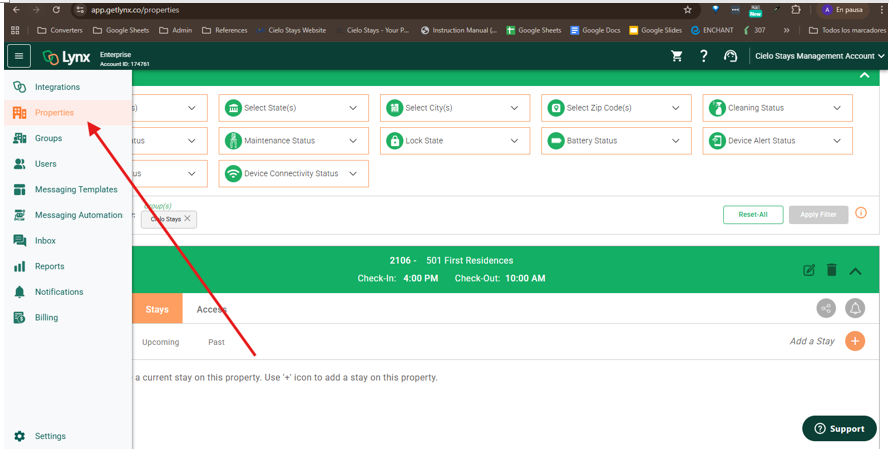
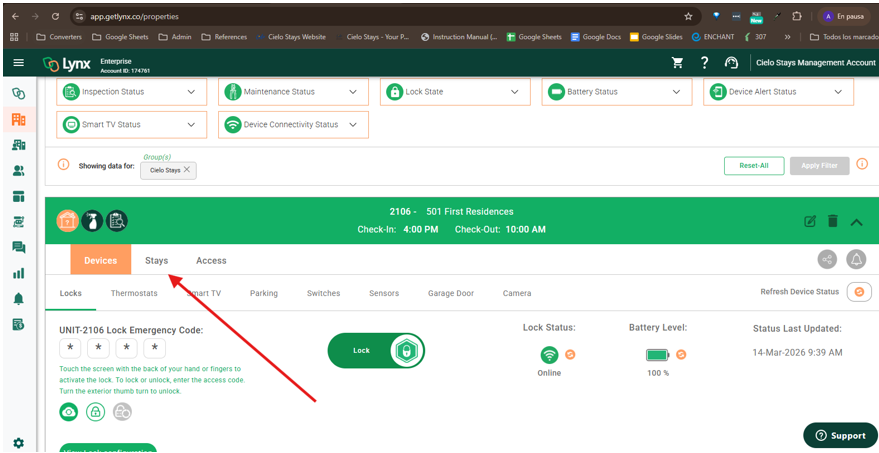
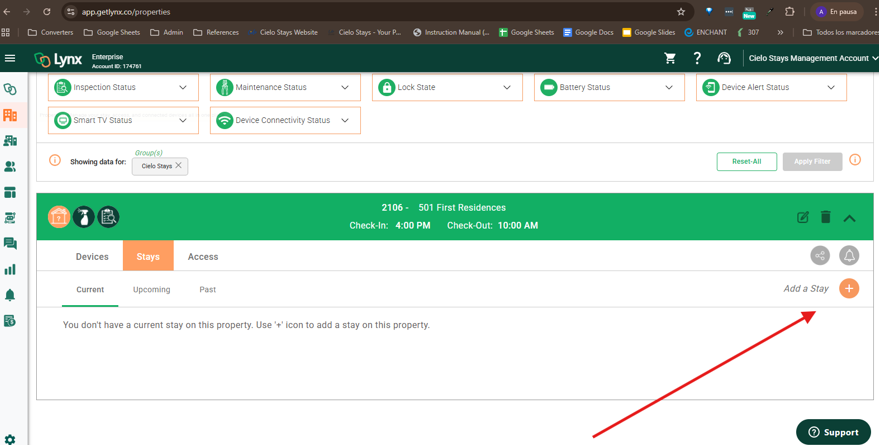
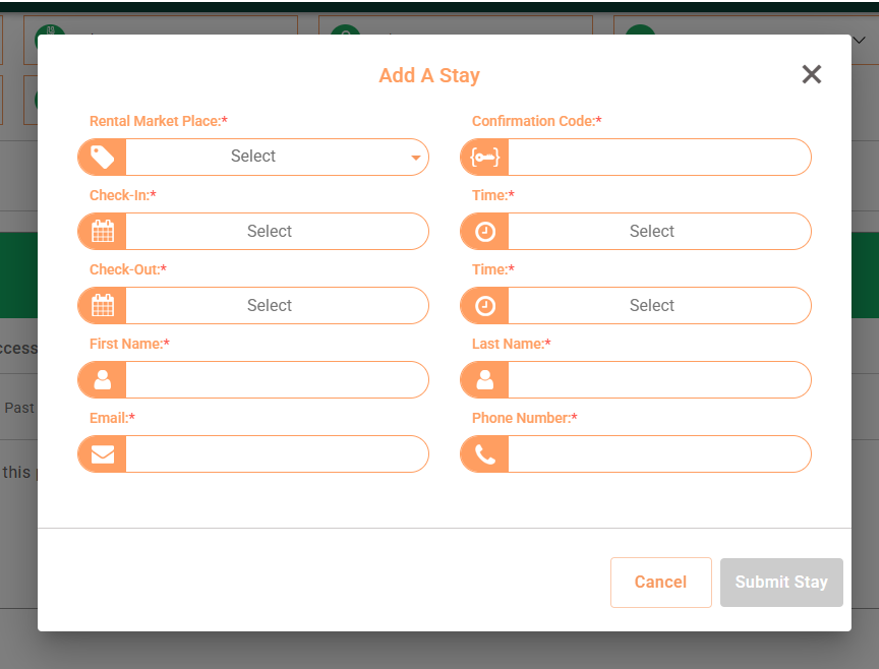
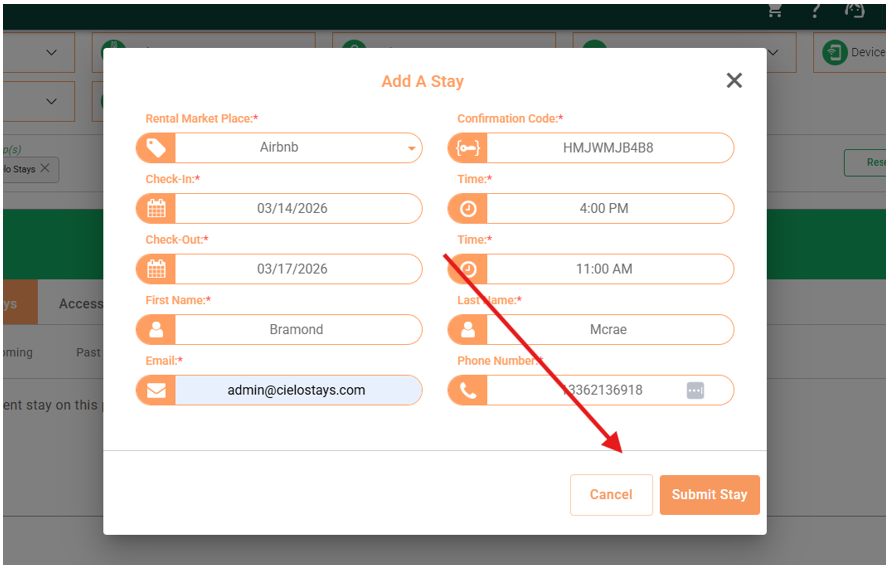
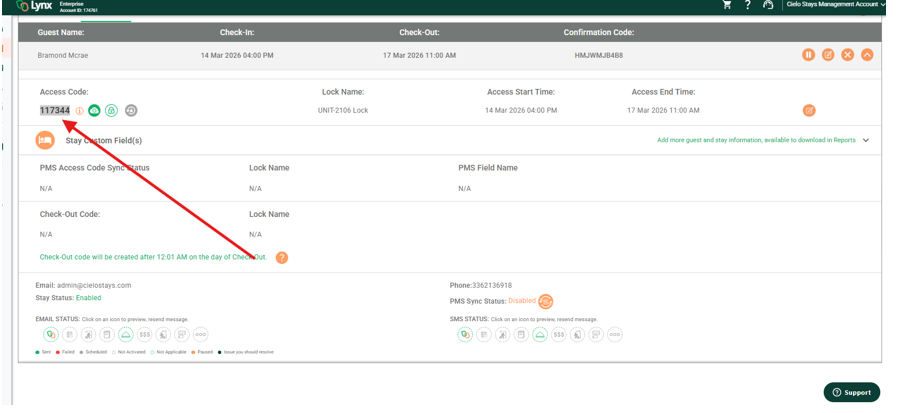
8. Then under the Upcoming section you will find the summary of the stay, and the Access code for the guest, which has to be added to the reservation in Hostify.
.9 Master code for emergencies 2106 501FIRST:
112615